AI TOOL / #10696
CANVID for Windows
Screen recording tool with auto-enhancement to easily create professional videos.
Introduction
Screen recording tool with automatic enhancements for creating professional videos easily.
What is Canvid?
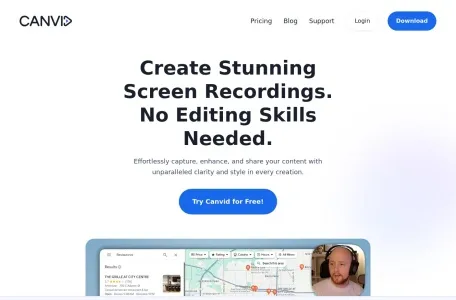
Canvid is a screen recording tool designed to easily capture, enhance and share screen recordings. It offers features like smooth mouse movement, auto-zooming, cinematic motion blur, and background effects, making it ideal for creating high-quality presentations, tutorials, and promotional videos without advanced editing skills.
How to use Canvid?
Capture the screen with just one click, enhance it with auto-zoom and AI background effects, add subtitles, and finally share the finished video instantly via cloud upload or local save.
Canvid’s core features
Auto scaling
AI background effect
Automatic subtitles and transcriptions
Simple screen recording
Share instantly
AI enhanced speech
Creative camera features
Related
Aginsi – AI Summarizer & Research Toolbar
Aginsi is an efficient artificial intelligence tool designed for conducting research: it collects, summarizes, and organizes information.
ResearchRover
Automatic extraction of web page content summaries to facilitate research.
SummaVerse
An AI-based platform used for document summarization, chatbot creation, and interactive discussions.
PlutoAI
An AI-powered bookmark manager designed to help you organize, manage, and access online content efficiently.
ChatGPT » Summarize everything!
A Chrome extension that uses ChatGPT to summarize web pages and YouTube videos.
Website Summarizer
A Chrome extension that uses the Gemini API to generate summaries of web pages and allows interaction with AI chatbots.