AI TOOL / #10980
Image to Text for ChatGPT
A Chrome extension that provides a fast and private way to directly integrate OCR functionality with ChatGPT.
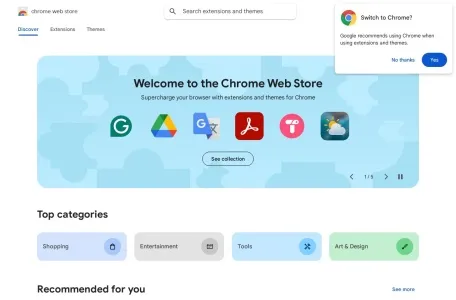
Introduction
Chrome extension for quick and private OCR directly into ChatGPT.
What is the Image-To-Text-OCR-extension-for-ChatGPT AI Chrome extension/plugin?
This Chrome extension enables users to quickly and easily extract text from images and paste it directly into the ChatGPT text field. It supports multiple languages and utilizes Tesseract.js for local OCR processing, thereby ensuring user privacy. Additionally, it offers optional integration with Pieces.app to enhance accuracy and preserve file formats, making it particularly suitable for handling code.
How to use the Image-To-Text-OCR-extension-for-ChatGPT AI Chrome extension/plugin?
Upload an image file, or drag and drop the image into the ChatGPT text box, or paste a screenshot from the clipboard (Ctrl+V) into it. The extension will automatically convert the image into text and fill the text box with the resulting text.
The core functionality of the Image-To-Text-OCR-extension-for-ChatGPT AI Chrome extension/plug-in
Optical Character Recognition in Browsers
Integration with ChatGPT
Supports multiple languages
Optional integration with Pieces.app to enhance OCR functionality.
Related
China University MOOC
A MOOC platform by NetEase and Higher Education Press with university courses and public courses, some free.
Shanganya Gongkao
A Gaodun civil-service training platform with notices, past-paper banks, mock exams and interview practice.
National Library Reference and Consultation Alliance
Cross-library document delivery service for journal articles and book chapters.
Alive Photo
Old photos, once restored, can be turned into moving short videos.
Magpie
Local model routing for programming agents
S.Space
A collaborative space shared by humans and intelligent agents