AI TOOL / #02182
Autodoc
Autodoc extracts data from documents by using simple Chinese definitions and straightforward procedures.
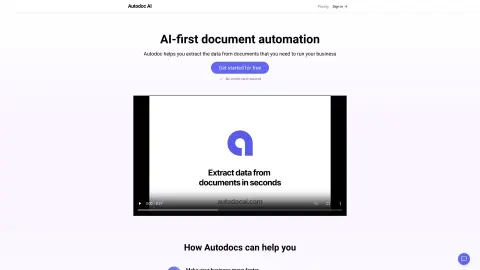
Introduction
Autodoc extracts data from documents using plain English definitions and simple steps.
What is Autodoc?
Autodoc is capable of extracting data from documents. Without the need for complex formats or settings, users can simply define the content they want in Chinese, upload their documents, obtain the desired results, and then export them to their preferred tools.
How to use Autodoc?
Steps to use Autodoc: 1) Define the content you want to document in simple Chinese; 2) Upload the document; 3) Obtain the results; 4) Export them to your preferred tool.
The core features of Autodoc
Extract data from the document.
Define the extraction requirements in simple Chinese terms.
Upload documents with ease.
Export data to various tools.
Related
Dropstone CLI
Remember to use the corrected terminal programming agent.
PixoLet: Upload Images in Seconds
Generate E-commerce Images for Free with GPT-Image 2.5
Ayven
An AI-based coordination agent that helps teams track progress and assign tasks efficiently.
Capafy AI
An intelligent agent market where agents can be both operated online and sold.
GitGlow
A visual Git tool for reviewing the changes made by AI agents
Intellemo
The production of commercial videos that involve reviewing storyboards before starting actual filming.