AI TOOL / #07171
JPG to Text
Online OCR tools are used to extract text from images and convert it into editable format.
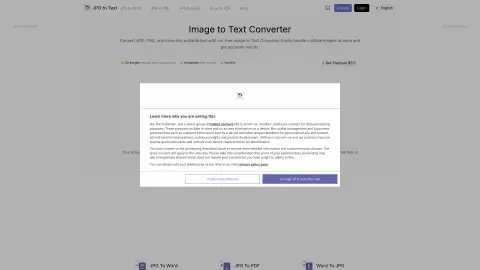
Introduction
Online OCR tool to extract and convert text from images into editable text.
What is jpgtotext.com?
jpgtotext.com is an online OCR (Optical Character Recognition) tool that enables the extraction of text from images and its conversion into editable format. Users can simply copy, paste, and edit the text obtained from images such as JPG and PNG files, without the need for manual typing. This tool supports a variety of image formats and delivers accurate results. By automating the process of converting images into text, it saves users both time and effort.
How to use jpgtotext.com?
To extract text from an image, please use the "Select File" button to upload the image, or drag it into the designated area. Then click the "Extract Now" button. OCR will automatically extract the text, and you can download the result in.txt format.
The core functions of jpgtotext.com
Extracting text from image formats such as JPG and PNG
Supports multiple languages (more than 50 different languages).
Extracting text from low-resolution images
Identifying mathematical solutions
Copy the text to the clipboard.
Download the results as a .txt file.
Related
ZapCap
AI video subtitle generator with automatic editing capabilities to make videos more engaging.
daydream
AI-based platform for short-video and animation production
ChatMind
A mobile application that combines AI-powered chat functions with artistic generation capabilities.
Synthesia
AI video platform for creating professional videos from text.
Boomy
Boomy: Create and share AI-generated music and get paid for listening to it.
Sloyd
A 3D modeling platform that offers AI-driven generation and customization capabilities.