AI TOOL / #07221
GPT-4 Vision Screenshot
A tool that uses GPT-4 visual AI to extract answers from screenshots.
Introduction
A tool that extracts answers from screenshots using GPT-4 Vision AI.
What is the GPT-4 Vision Screenshot AI Chrome extension/plug-in?
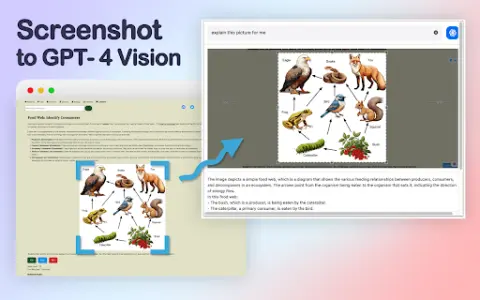
GPT-4 Visual Screenshot is an innovative tool that allows users to select any area of the screen and pose relevant questions. GPT-4 Visual then directly extracts answers from the screenshot, intelligently interpreting the visual content with remarkable accuracy. By providing a fast, in-depth, and interactive search experience, it has completely transformed the way people obtain information.
How to use the GPT-4 Vision Screenshot AI Chrome extension/plug-in?
With just a simple shortcut key, you can select any area on the screen. Once you pose a question related to the selected area, GPT-4 Vision will directly extract the answer from the screenshot.
The core functions of the GPT-4 Vision screenshot AI Chrome extension/plugin
Use GPT-4 visual AI to extract answers from screenshots.
Related
UniScribe
UniScribe is an artificial intelligence-based platform for audio and video transcription, summary generation, and mind map creation.
FakeYou
AI voice generators are used to create audio and video content featuring the voices of celebrities and fictional characters.
HTTPie AI
A user-friendly command-line HTTP client designed for API testing and interaction.
Fliki
An AI platform that uses text to generate videos, offering authentic voices and media content.
Speechify
A text-to-speech application that allows users to listen to digital content on any device.
Poly
An intelligent cloud-based image browser, equipped with AI-driven search and organization features.