AI TOOL / #07230
hahaOCR
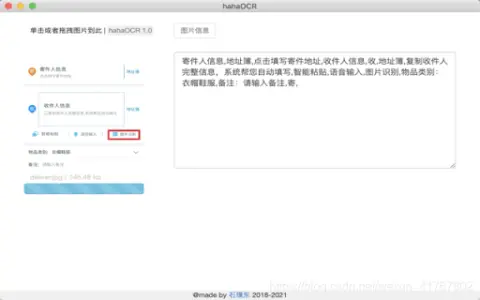
Extract text from the image; press the ESC key to exit.
Introduction
Extract text from images and exit with ESC.
What are the Image to Text and ESC Exit App AI Chrome extensions/plugs?
This application allows users to extract text from images and convert it into editable text. Users can upload images by clicking a button and exit the application by pressing the “ESC” key.
How to use the Image to Text & ESC Exit App AI Chrome extension/plug-in?
Click the upload button to select an image. The application will automatically extract the text from the image and display it. Press the “ESC” key to exit the application.
The core functionality of the Image to Text and ESC Exit App AI Chrome extension/plugin.
Image to Text conversion
Use the ESC key to exit the function.
Related
Municode.ai – Chat with any Municipal Code
Artificial intelligence platforms simplify local regulations, making them easier to understand and comply with.
Noah
Tavrn provides lawyers with AI-powered claim letters and medical timelines.
globalregulatoryinsights
An AI-powered compliance platform that provides real-time, role-specific regulatory insights.
vlex.com.mx
Legal intelligence platform that provides AI-driven insights and comprehensive legal data coverage.
Quadency
An integrated encryption trading platform that comes equipped with automated tools for portfolio management.
Coins: Crypto Trading Forecast
An artificial intelligence-powered application for predicting cryptocurrency transactions, offering real-time updates and simulated portfolio scenarios.