AI TOOL / #08314
ChatChit AI
An AI chatbot designed for use with WhatsApp, offering ChatGPT capabilities.
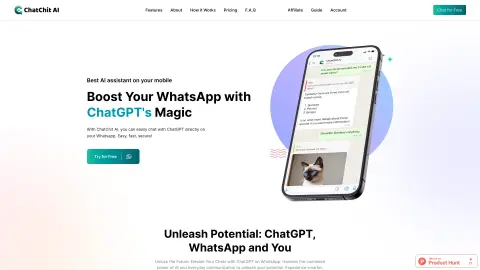
Introduction
AI chatbot for WhatsApp, providing ChatGPT capabilities within the app.
What is ChatChit AI?
ChatChit AI is an AI chatbot designed for use within WhatsApp, enabling users to directly utilize the capabilities of ChatGPT within this platform. It supports intelligent conversations, the creation of images and stickers, transcription of voice messages, image recognition, as well as the easy downloading of media files – all these features are available within a single chat session. Functioning as a personal AI assistant, it also provides assistance with writing content and numerous other useful services.
How to use ChatChit AI?
To use ChatChit AI, please register an account, connect your WhatsApp account using the corresponding button, and then start chatting with the AI assistant within your WhatsApp conversations.
The core functions of ChatChit AI
AI chatbot suitable for use with WhatsApp
Creation of images and stickers
Transcription of voice messages
Image understanding
Media Download
Copywriting assistance
Related
Maker Notes
Online design tools: You can simply replace the text and images in the templates to generate the final output.
A cat gnawing at a net
A free resource for organizing commercial fonts, with clear indications of the authorized usage scope.
AI Roundtable
A multi-model round-table discussion tool that enables different AI systems to challenge and refute each other.
Dysprosium Digital Gathering Website
A data resource aggregation platform that allows for research reports to be retrieved by topic.
Taxonmap
A map of the biological evolution tree that allows for zooming in to view the relationships between different species.
Fuxin Cloud Editor
Fuxin Cloud Editor is an online PDF editing tool that allows users to edit PDF files, read PDF documents, sign PDFs, convert PDF files, organize them, and add annotations to them all at the same time.