AI TOOL / #09926
MacGaiver
An AI-powered macOS assistant that uses computer vision to answer questions regarding any application.
Introduction
AI-powered macOS assistant that answers questions about any application using computer vision.
What is MacGaiver?
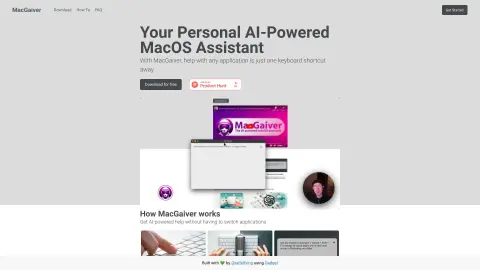
MacGaiver is an AI-powered macOS assistant that utilizes computer vision to answer questions regarding any application. By pressing a keyboard shortcut and posing your question, you can get assistance without leaving the current window. MacGaiver uses the OpenAI Vision API to provide answers in the context of your query.
How to use MacGaiver?
In any application, you can activate MacGaiver using keyboard shortcuts to submit your question—either in audio or text form. MacGaiver will then respond using answers derived from the context, relying on OpenAI GPT-V for its functionality.
The core features of MacGaiver
Provide AI-powered assistance within any macOS application.
Utilize computer vision to provide context-based answers.
Activate keyboard shortcuts
Integration with the OpenAI Vision API
Related
Joyful Notes
A blog sharing experiences in self-media operations, focusing on strategies for attracting traffic and the breakdown of various projects.
Popular Book Site
A website that offers online access to the Complete Works of the Twenty-Four Histories and other ancient Chinese texts.
National Smart Education Platform for Primary and Secondary Schools
The official platform for primary and secondary school curriculum resources offers free access to courses that are synchronized with the textbooks.
WindowSwap
Randomly viewing the views outside windows captured by netizens around the world.
nbfox.com
High-definition gallery of world-famous paintings, available for browsing by artist and era.
Google Scholar mirror
Mirror links for both Google Scholar and web search, with real-time updates on available addresses.