AI TOOL / #07091
ScreenRedact
A Mac application designed to use local machine learning techniques to identify and highlight text within images.
Introduction
Mac app for redacting text in images using on-device machine learning.
What is ScreenRedact?
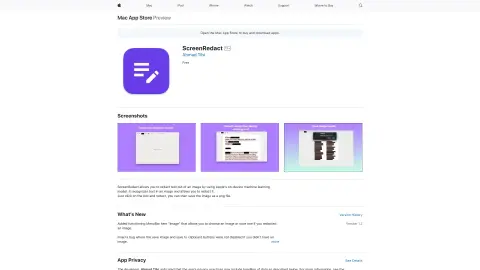
ScreenRedact is a Mac application developed by Ahmad Tibi that allows users to quickly conceal sensitive information from images. It utilizes Apple’s native machine learning technology to identify text within images and provides a user-friendly interface for masking those areas. The modified images can then be saved in PNG format.
How to use ScreenRedact?
Open an image in ScreenRedact, and the application will automatically detect any text present. Click on the text to darken it. Save the darkened image as a PNG file.
The core functions of ScreenRedact
Using Apple’s native machine learning technologies for text masking/darkening.
Save the image in PNG format.
Copy the image to the clipboard.
Related
Speak based on Azure Speech
Text-to-speech extension using Azure Speech with support for multiple languages and Chrome live subtitles.
SupriseGpts
A platform to discover and explore GPT in a fun and simple way.
MS Text-to-Speech Downloader
A tool that allows users to download Microsoft’s synthesized text-to-speech audio files with just one click.
Peech: Text to Speech Reader
Peech is a reader that converts text into audio and supports more than 50 different languages.
ChessBuddy AI
AI chess coach, for lichess.org, provides real-time analysis and guidance.
Gooey.AI
A low-code platform designed for AI workflows, offering unified billing and access to a variety of AI models.